Master Your Ideas: The 3D Neuron Mapping System for Visual Thinkers
Let's be honest, capturing and organizing ideas can often feel like trying to herd cats. I built Neuron Mapping to be the bridge between that initial chaos and final creation. Whether you're doing a rapid-fire brainstorming session or sketching out complex system architecture, this tool adapts perfectly to your creative flow.
The Creative Canvas: Your Digital Playground
It all starts with a fluid, high-performance canvas that just gets out of your way and adapts to your thoughts. It's designed to feel as natural as a whiteboard but with all the power of a digital engine.
Flexible Node Management
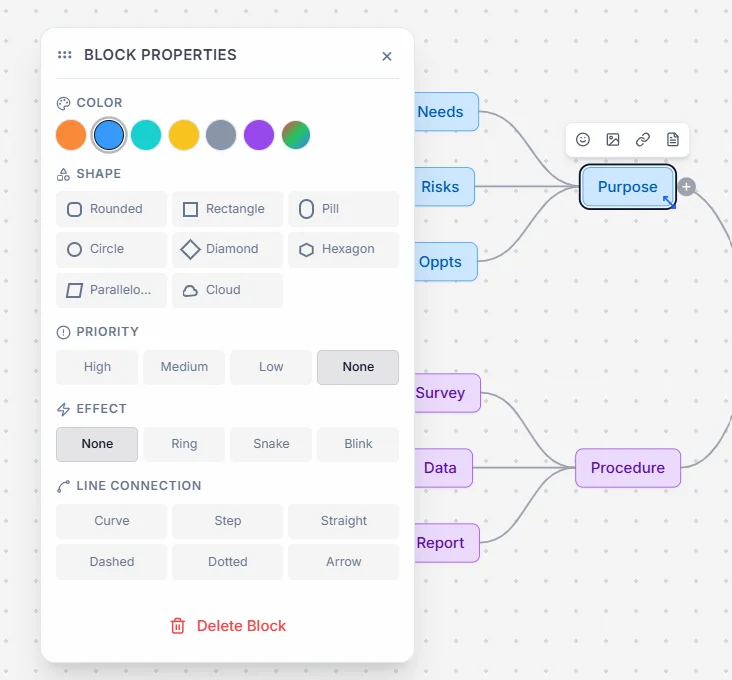
Think of your ideas as dynamic building blocks. You can move, resize, and restructure them with zero friction. No more fighting with rigid layouts.
- Intelligent Auto-Resizing: Nodes automatically expand or contract to fit your text perfectly, ensuring a clean look without manual tweaking.
- Irregular Shapes & Visual Cues: Move beyond simple rectangles. Choose from a vast library of shapes including Clouds, Diamonds, Hexagons, and Pills to categorize information at a glance.
- Freehand Drawing & Annotation: Sometimes words aren't enough. Switch to the Pencil mode to sketch or annotate directly on the canvas alongside your nodes.
Pro-Level Organization: Efficiency Reimagined
When your map grows to hundreds of ideas, you need robust tools to keep everything from turning into a spaghetti mess. Here's how Neuron Mapping keeps things organized:
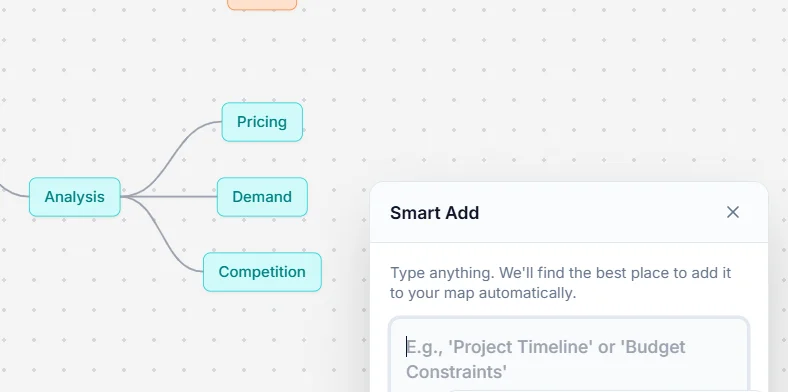
1. Powered Smart Add
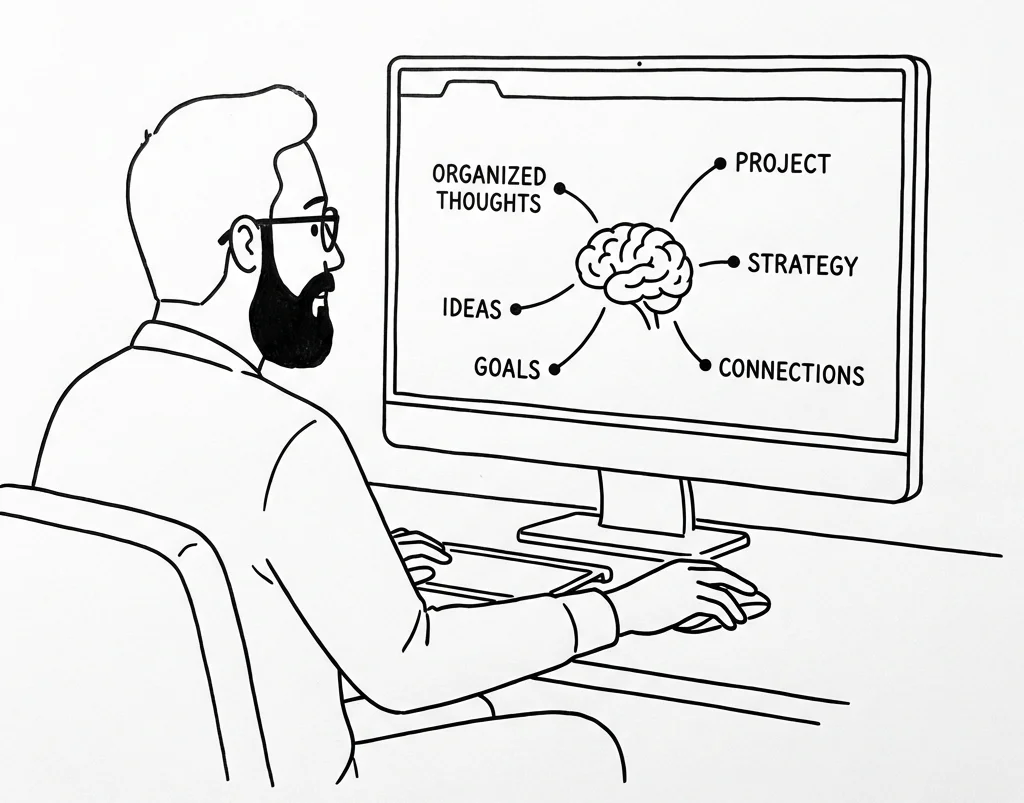
Forget manually dragging and dropping new nodes. With the Smart Add feature, you just type out your thoughts. Behind the scenes, our intelligent placement system looks at your map and automatically figures out the most logical parent for your new idea.
2. One-Click Auto-Layouts
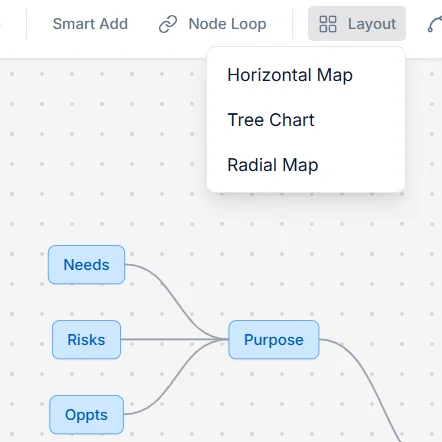
Map getting out of hand? You can instantly clean up your whole workspace with one-click layouts, including horizontal maps, tree charts, and radial maps.
3. Advanced Search & Retrieval
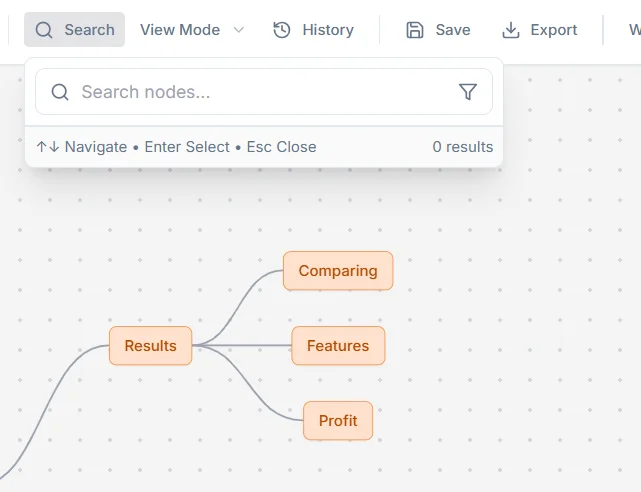
There's nothing more frustrating than losing a great idea in a massive map. Using the Advanced Search (Ctrl+F), you can easily track the exact breadcrumb path of any node or use granular filters by color and priority.
4. Interactive Presentation Modes
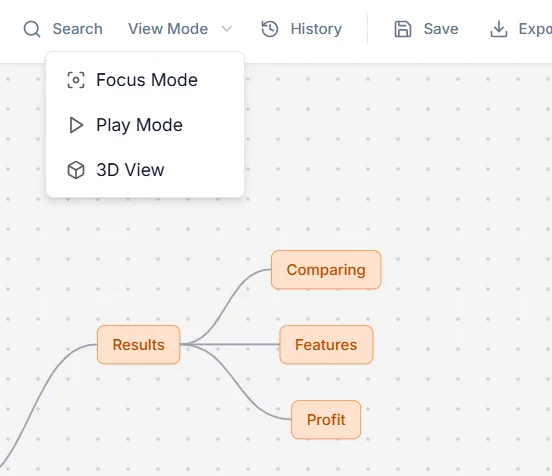
Need to present your ideas? Focus Mode dims everything but the active branch, while Play Mode turns your map into a seamless interactive walkthrough using an intelligent depth-first search algorithm.
Rich Content & Deep Metadata
Every single node can hold a ton of information. You've got an enormous icon library, the ability to embed images and external links, and even a dedicated Markdown notes panel for when you need to write deeper dive details.
Styling Architecture: The "DNA" of Your Ideas
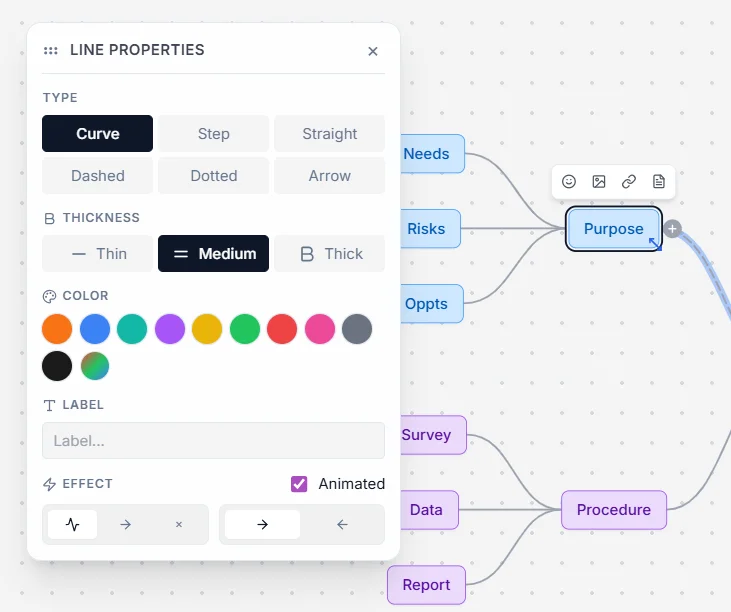
You should have total control over what your map looks like. Beyond the custom Hex Color picker, you can tweak the tension of your curves, change line styles, and even add flow animations like moving dashes and arrows to show exactly how your processes work.
The Galaxy View: 3D Immersive Thinking
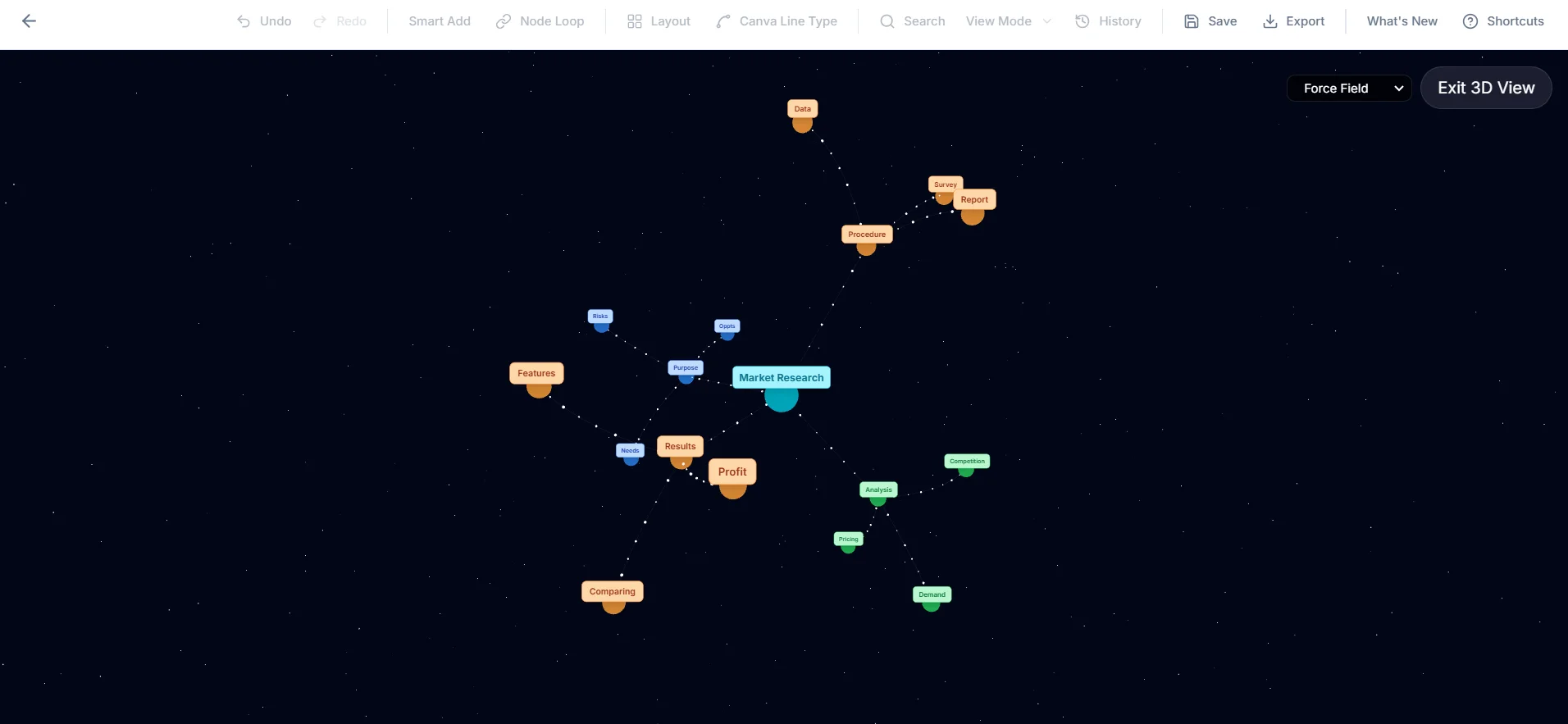
Sometimes 2D just doesn't cut it. That's why I added an immersive 3D environment powered by Three.js. You can effortlessly navigate thousands of nodes in a sphere, grid, or even a physics-based force field layout. It turns your brainstorming session into a journey through a digital universe.
Seamless File Imports
Neuron Mapping isn't a walled garden. You can easily drag and drop JSON data, structured text outlines, or even raw code files right onto the canvas to instantly visualize your logic structures. It's a game-changer for developers and architects.
Data Sovereignty & Safety
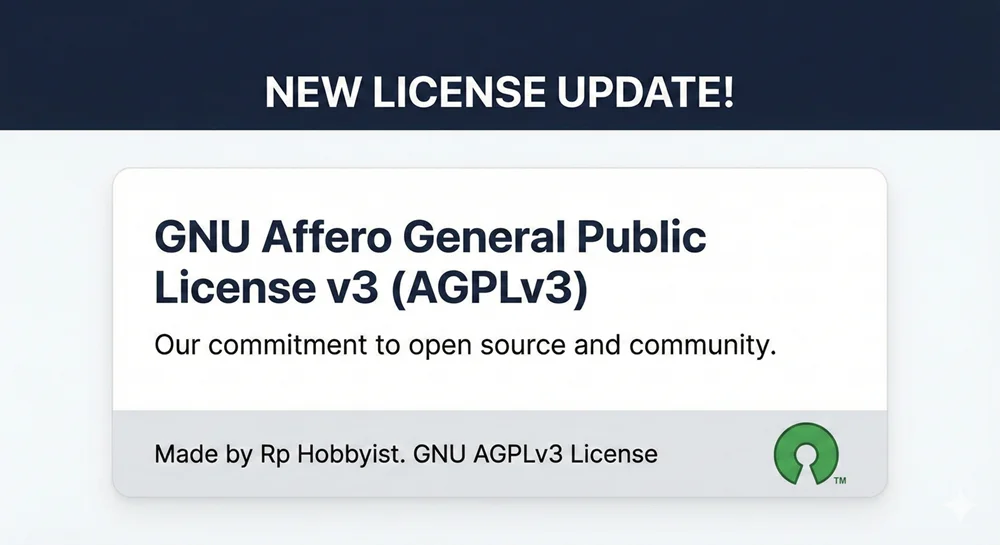
Your data belongs to you. Everything saves instantly to your local browser storage, and the tool works completely offline. There's no telemetry or forced cloud lock-in. Plus, the entire project is open-source (AGPLv3) so you always know exactly what's happening under the hood.
Get Started with Neuron Mapping
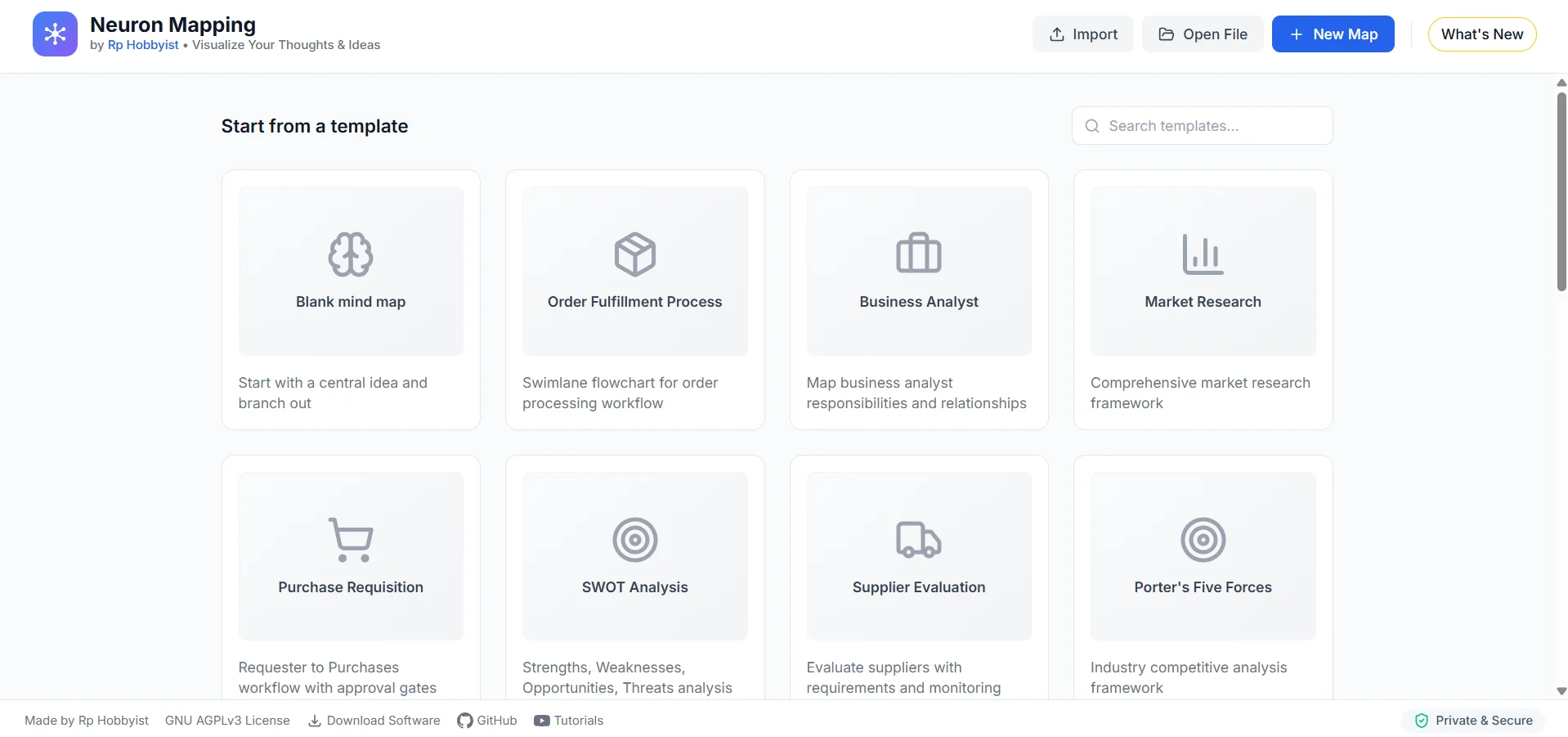
Start mapping your ideas instantly online or download the full standalone version for offline focus.
Frequently Asked Questions
Why use visual mind mapping over standard text notes?
Human thought is naturally radiant, not linear. Visual mapping via nodes allows you to see the relationships and hierarchy between complex project components instantly, preventing data silos.
Can Neuron Mapping handle large, enterprise-level architectures?
Yes. The tool is heavily optimized to render thousands of interconnected nodes without browser lag, utilizing a 3D Galaxy view to navigate massive structural data intuitively.
Is the Neuron Mapping tool secure for private company data?
Yes. Built on local-first principles, your mind maps and brainstorms are stored directly on your machine. Zero latency, and no risk of sensitive strategic data leaking to a cloud server.
Is Neuron Mapping open source?
Yes, the Neuron Mapping system is open source. You can download the desktop application and access the code repository from the downloads section or the GitHub link.
How does 3D mind mapping differ from traditional 2D mind maps?
3D mind mapping utilizes spatial depth and rotation, allowing you to connect complex ideas across multiple dimensions without crossing lines or cluttering the workspace, making it ideal for deep system architectures.